
No ads. Not one.
No banners, no rewarded video, no “watch this to unlock”. You came here to design a tattoo.
AI tattoo generator · Free every day · No watermark
Ink is permanent — your first draft shouldn't be. Describe the tattoo you want, or start from a photo, and InkStudio draws ink-ready artwork in about 15 seconds. Then point your camera and see it sitting on your own body, before you ever book the chair.

Real output from the app — no stock art.


How it works
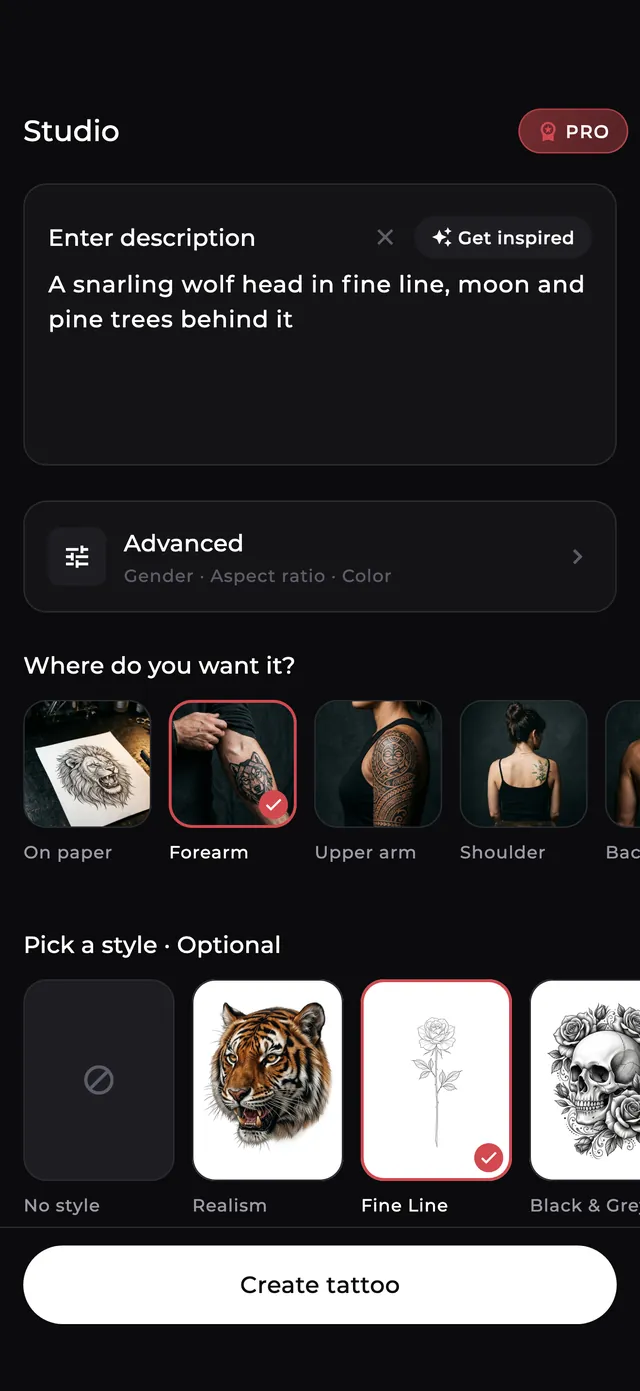
Type it in your own words, in any language — “a snarling wolf head in fine line, moon and pine trees behind it”. Out of ideas? Hit Inspire.
39 tattoo styles, 25 body placements. Set gender, ratio and black-ink-or-colour in Advanced if the details matter to you.
About 15 seconds later you have a clean design. Crop it, adjust it, run a filter, regenerate until it's right.
Open the camera and drop the design on your arm, back or wrist. Save it, send it to a friend, hand it to your artist.
AR Try On · live preview free
Point the camera at your forearm, back or wrist and the design lands on you. Pinch to resize, drag to move, twist to rotate, and dial the ink opacity until it reads like a real tattoo — the ink blends into your skin instead of floating on top of it.


Photo to Tattoo
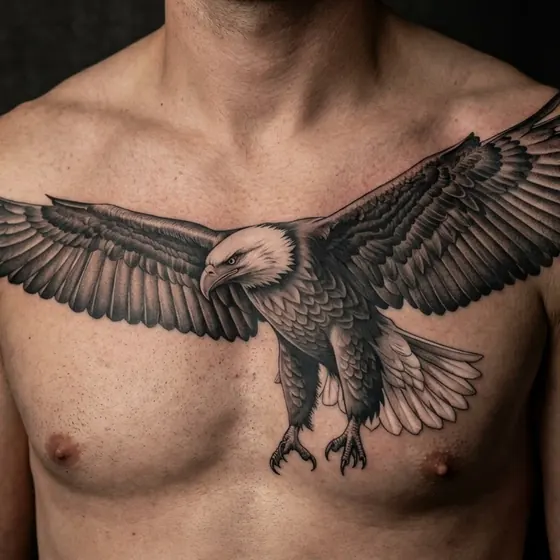
Upload any picture — an eagle you shot, your first car, a mountain you climbed — and InkStudio keeps the subject but redraws it in the style you choose, sized for the spot you choose.
See it in the app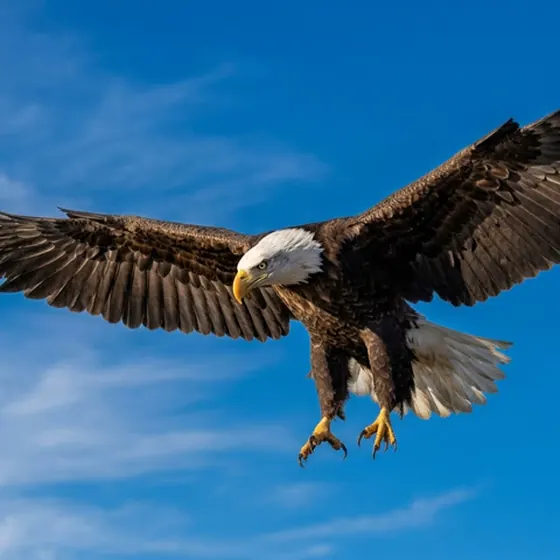
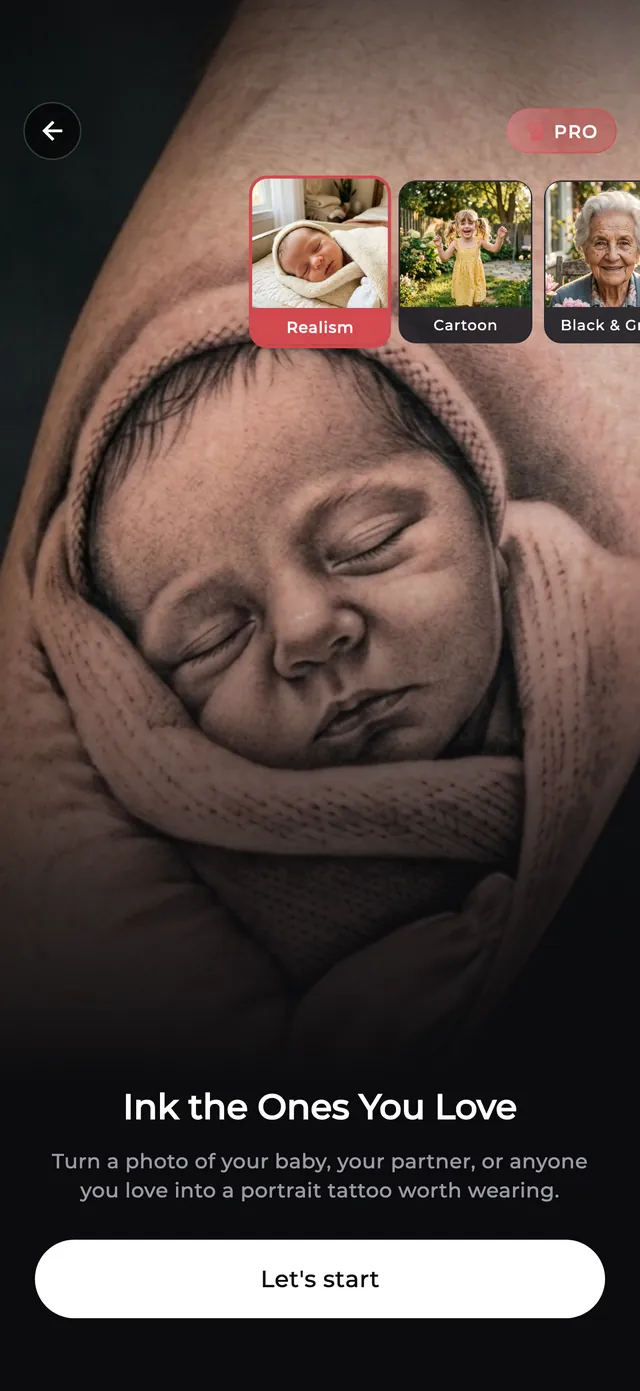
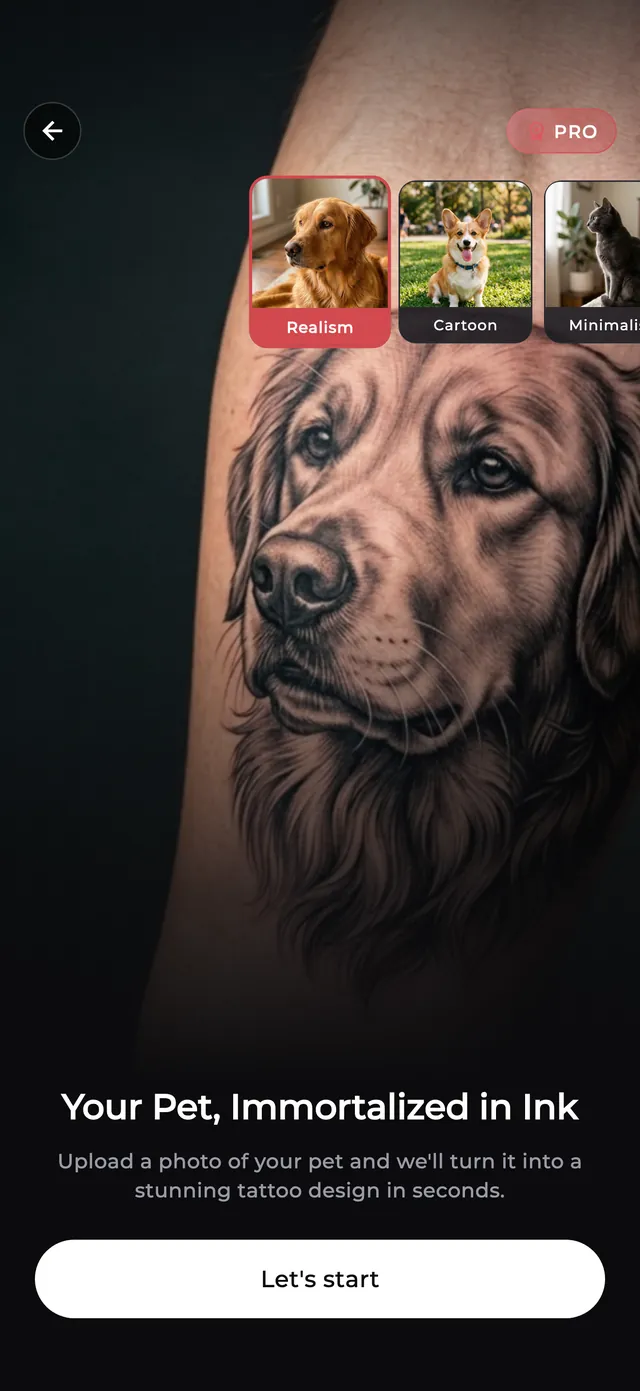
Portrait & Pet tattoos
A portrait tool built for faces: 19 styles picked because they actually hold up on a human face — realism, black & grey, sketch, double exposure, engraving, cartoon. And the same for dogs and cats, with 16 pet-tuned styles and every placement previewed on real skin.
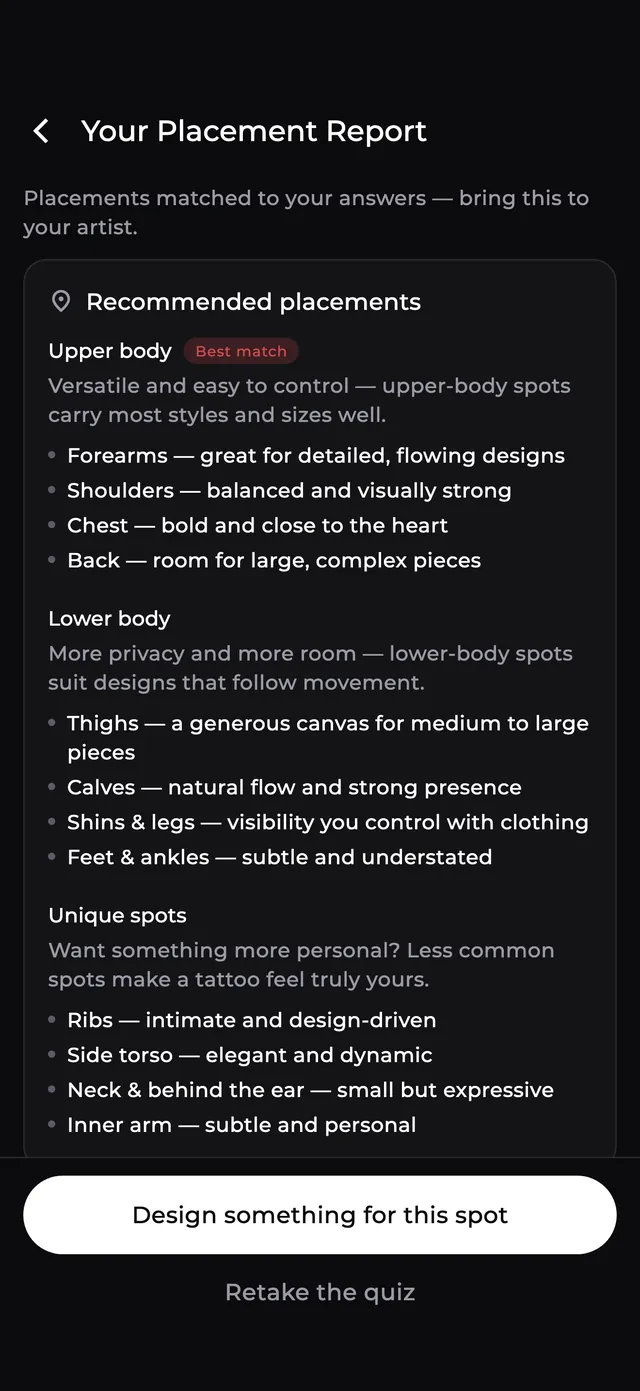
Placement Guide · free
Eight questions — your size, your visibility at work, whether this is your first — and you get a personal report: which spots suit you, how big to go, what to ask your artist, and how to prepare for the session.
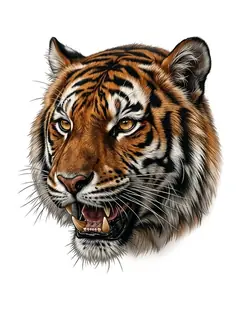
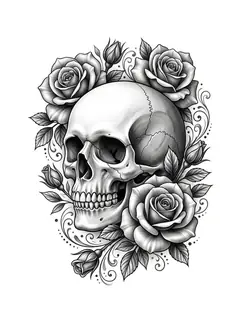
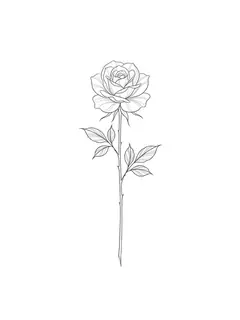
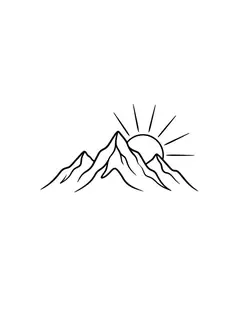
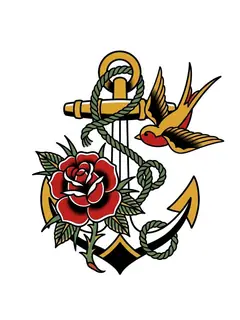
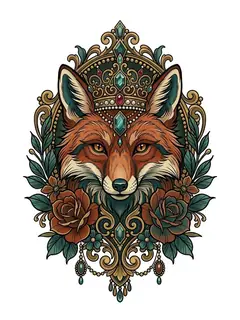
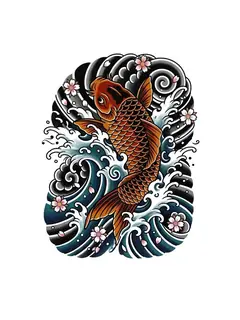
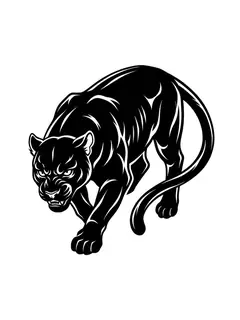
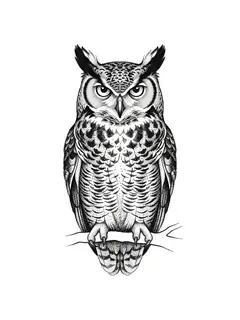
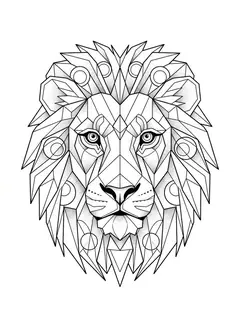
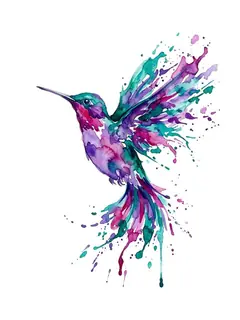
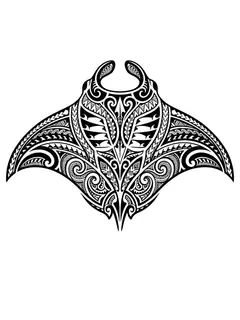
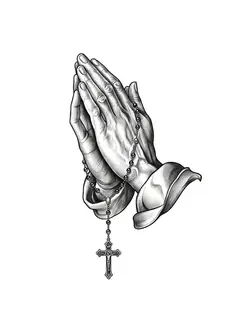
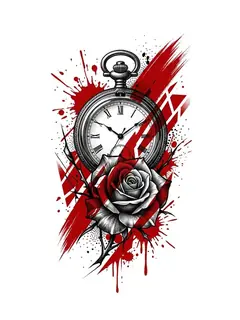
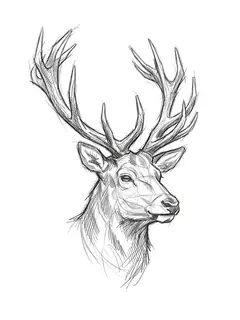
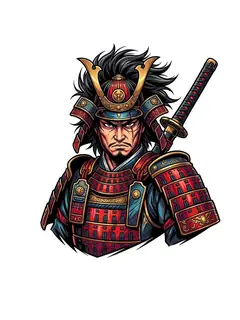
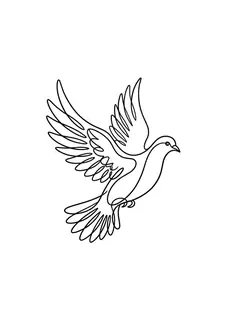
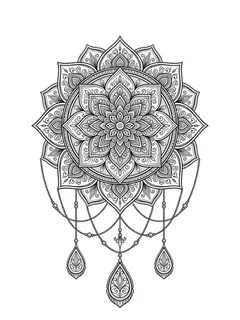
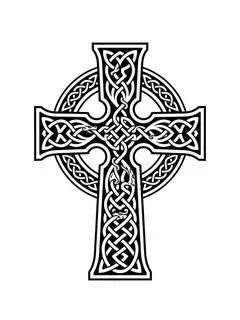
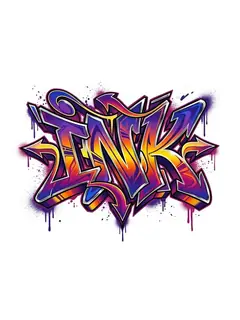
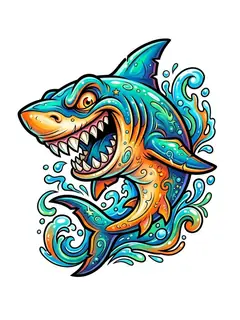
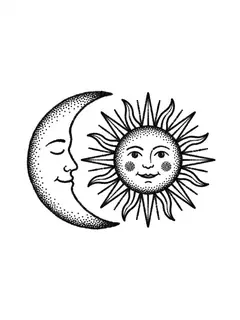
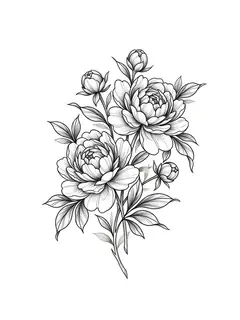
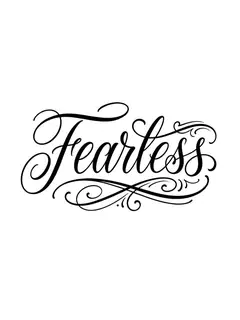
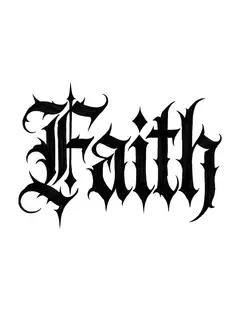
39 tattoo styles, one tap
Every style is a real reference thumbnail in the app, so you pick with your eyes — not by guessing what a word means.

Why InkStudio
No banners, no rewarded video, no “watch this to unlock”. You came here to design a tattoo.
Nothing stamped on your artwork — not on the free tier either. What you make is yours to print.
Three a day in your first week, and they reset every morning. The Try On live preview and the Placement Guide never cost credits.
Write the prompt in Vietnamese, Spanish or Portuguese — it's translated and enriched before it hits the model, so you get English-quality results.
HD resolution, clean white background for printing, or a transparent PNG your artist drops straight into a stencil.
Images you upload are removed from the server once your design is done.
Who it's for
See it on your body before it's permanent, and walk into the studio knowing exactly what you want.
Match an existing style, test placement, plan how the next piece flows into the old ones.
Sketch a client's concept in seconds, explore styles on the spot, export line-ready transparent art.
Pricing
$0
$7.99/week
or $49.99/year
Prices shown in USD and may vary by region. Cancel any time in your App Store or Google Play account settings.
FAQ
Yes. You get free designs every day — three a day in your first week, one a day after that — with no ads and no watermark. The AR Try On live preview and the Placement Guide don't cost credits at all. Pro removes the daily limit, unlocks HD and transparent export, and saves unlimited Try On shots without a watermark.
No. Open the app and start designing. There's no sign-up form, no email, no password.
That's the point. Export at HD on a clean white background for printing, or as a transparent PNG your artist can drop straight into a stencil. Most artists will still redraw it to fit your body — treat the output as a very good brief, not a finished stencil.
A camera. Point it at your arm, back or wrist, then pinch, drag and rotate the design into place and set the ink opacity. You can also load a photo from your gallery instead of shooting live.
No — InkStudio is a mobile app, on iOS and Android. Try On needs your camera and your skin, so the phone is where it belongs.
They're removed from the server once your design has been generated.
The interface is in English, Spanish, Portuguese, German, French, Italian, Polish and Vietnamese. Prompts work in any language — non-English prompts are translated and enriched before generation, so you don't lose quality by writing in your own words.
In your Apple ID or Google Play account settings, like any other subscription. Turn off auto-renew at least 24 hours before the period ends.
Design it, try it on, then go get it.